

Migrating from Shopify to WordPress requires first deciding what the destination site will be. WordPress can host a corporate website or a blog; to maintain a store with a cart and ordering system, you need an e-commerce solution, such as WooCommerce, and its corresponding configuration.
Switching from Shopify to WordPress can mean rebuilding your store or turning it into a corporate website with a catalog. This decision changes what data you need, what features you'll keep, and how you'll handle traffic from your old address.
This guide focuses on migrating content and rebuilding a WordPress website. If you plan to continue selling with a catalog, customers, and orders, you should add an ecommerce migration project. Exporting products does not automatically transform a store into a complete website.
Define which functions you will retain
Make a list of the pages and actions the business uses: blog, forms, catalog, bookings, purchasing, and connections with other systems. Mark which ones to keep, which ones to replace, and which ones to discontinue. Don't start the design process without agreeing on this decision.
If you will maintain sales and orders, our WooCommerce guide It explains the responsibilities that come with that trade solution.
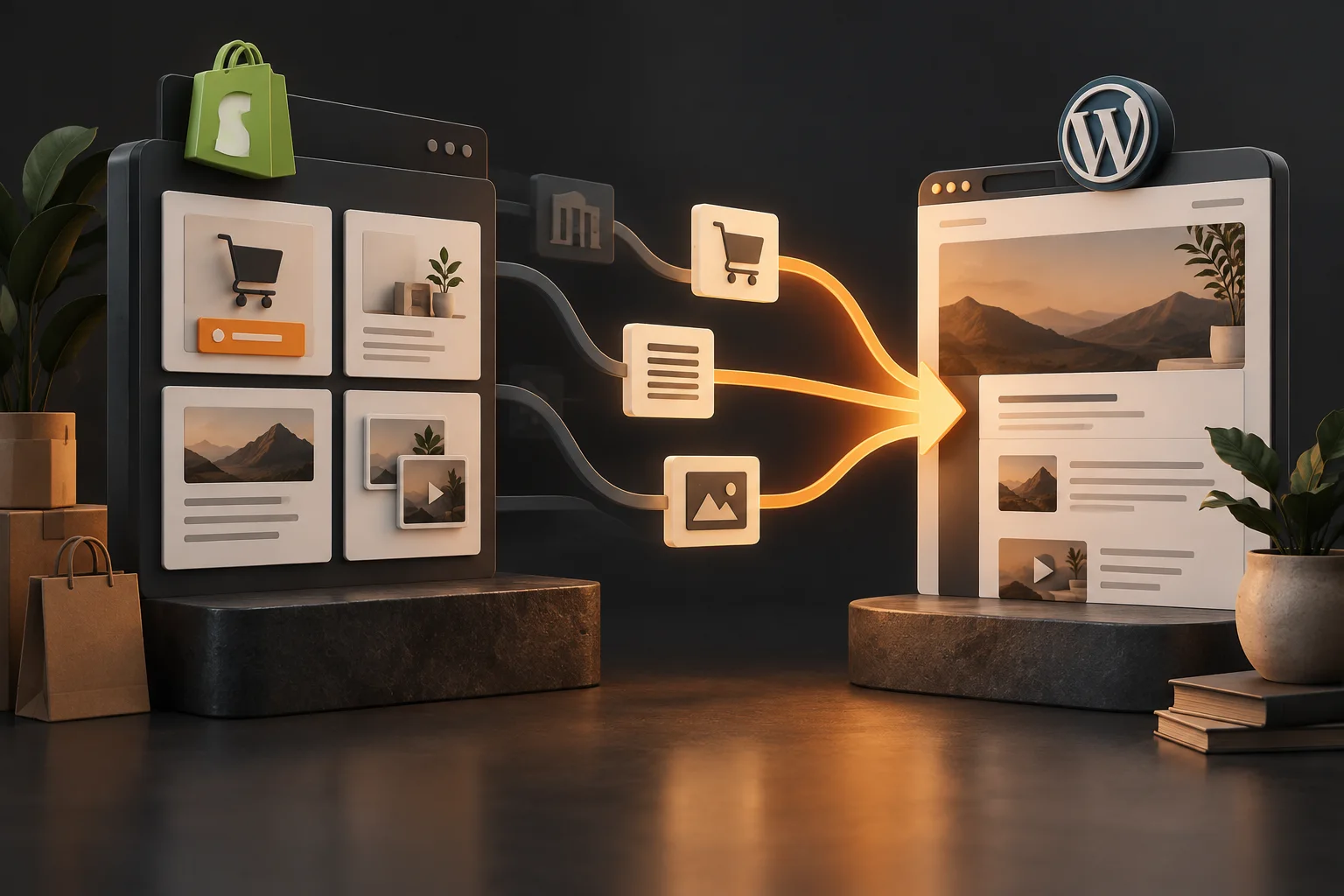
If you stop selling online, explain how pending inquiries or orders will be handled. If you maintain a catalog with no sales, describe how to check availability. The new site should offer a coherent user journey, not just shopping cart buttons that lead to nonexistent pages.
I would inventory pages, articles, and media.
Collect important URLs, titles, content, images, documents, and links. Add pages that receive traffic even if they're not in the menu. Save a copy of the text and resources you can legally transfer.
| Source content | Possible destination | Revision |
|---|---|---|
| Blog post | WordPress post. | Author, date, categories, body, and media. |
| Corporate website | WordPress page. | Hierarchy, links, and form. |
| Product with no future sales | Information sheet or withdrawal decision. | Utility and next real action. |
| Product that will continue to be sold | Product of the ecommerce solution. | Additional commercial migration. |
WordPress offers import tools for various sources and formats, but don't assume that any Shopify export corresponds to a native importer. Test the method with a sample and document what it retains.
Choose between import and rebuild
For a few pages, rebuilding them with a clean structure might be reasonable. For a large archive, consider using a tool that preserves fields and relationships. In both cases, verify the final content: tags, lists, tables, links, and special characters.
Avoid copying theme code or scripts that serve no purpose in WordPress. A snippet visible in Shopify might depend on components from that platform. Porting the HTML without checking these dependencies can result in incomplete content.
Prepare WordPress to receive the content
Configure hosting, HTTPS, backups, and team permissions. Define the permalink structure, editorial categories, and templates. Keep the working environment secure during preparation to avoid publishing an incomplete copy prematurely.
First, design a representative page and article. Check mobile readability, navigation, and forms. Then apply that structure to the rest. This reduces repeated corrections when you discover that a template doesn't handle tables or images well in the content.
Transfers resources with dependency control
Store the necessary images in a library you can maintain and keep the references up to date. Check usage permissions and alternative text. Don't rely on a resource served by the source remaining available after services are discontinued.

Review linked documents and resources within the body of the articles. A well-designed cover page can mask broken images mid-text. Perform a check by content type and another on pages with the greatest commercial relevance.
Keep URLs when it makes sense and redirect when they change.
Link each Shopify path to its corresponding destination in WordPress. Maintaining a consistent path without disrupting the site's structure reduces unnecessary changes. When a path changes, set up a permanent redirect to the equivalent content.
Before changing navigation routes, check the information architecture from the destination site.

Pages that no longer have an alternative require a specific decision. Don't send all discontinued products to the contact page. Review what someone would expect to find arriving from an old link.
Validate content and functions before changing traffic
- Compare titles, text, and media from a complete sample.
- Check navigation and links from your mobile device.
- Test forms and integrations with identifiable test data.
- Check the map of URLs and their destinations.
- Check indexing directives, canonical and sitemap.
- He confirms that there are no more promised but unfulfilled functions.
If you maintain a business, include proof of payments, configured taxes, shipping information, inventory, and order history. A corporate website and a store have different acceptance criteria; the quote should reflect this.
Example: a brand stops selling online and turns its website into a catalog
Imagine a brand that decides to fulfill orders through distributors and keep its website as a storefront. When migrating from Shopify to WordPress, it needs to maintain products and useful information, but no longer requires the same shopping cart and checkout process.
Before designing, define the next action for each product page: find a distributor, check availability, or request information. Review which data helps complete the action and which elements of the old store are no longer relevant. A disabled purchase button is not a complete experience.
Retain pages that still answer relevant questions and plan for their removal. If a product is discontinued, decide whether there is a relevant alternative or historical information worth preserving. This decision should consider links and expectations, as well as the structure of the new menu.
This scenario is hypothetical. Its lesson is that the destination must respond to the new business model. Content migration works best when each page has a defined function, rather than copying all sections from the source without considering their purpose.
How to audit a blog archive before moving it
Export or inventory items with title, URL, date, author, and associated resources. Indicate which ones are still active, which ones need updating, and which ones have elements that depend on Shopify. Don't turn the transfer into a mass deletion without reviewing their value.
Select a sample with different formats: one article with a table, another with a gallery, one with internal links, and another with embedded content. Transferring this sample allows you to detect incompatibilities before applying a method to the entire file.
Verify that characters, lists, and heading hierarchies are preserved. An importer might retain the text but lose relationships or formatting. Open the articles as a reader, check links, and compare resources with the original.
If you decide to update content simultaneously, keep track of which changes are editorial and which are related to migration. This distinction helps explain differences later and allows you to review your work without confusing data loss with deliberate editing.
What to do with galleries, forms, and embedded content
Classify each component according to its function. A gallery can be rebuilt using local resources; a form needs a functional destination; external content depends on permissions and the availability of another service. Not everything can be solved by simply pasting the previous HTML.
For a form, define fields, messages, and delivery. Run a test to verify that it reaches the correct person or system. If automations existed, check what triggers them now. A visual confirmation without actual delivery means the contact is lost.
In galleries, check the order, captions, alt text, and quality. Check mobile and keyboard navigation where applicable. A resource may be present but difficult to use due to the new template's behavior.
If a component is no longer present, replace all references to it. A paragraph suggesting the use of a non-existent calculator is incomplete even if the rest of the article appears fine. The review should consider the entire page experience.
How to choose a structure that the team can maintain
Define content types according to actual needs: company pages, articles, and product sheets, if the catalog requires them. Avoid building each page with a different logic when a shared template can be used. Consistency facilitates updates and reviews.
Ask who will be publishing and what their expertise is. The editor should be able to modify routine information without affecting sensitive design or functional elements. A flexible structure understood only by its creator can become a costly dependency.
Prepare a short editing guide with examples: how to add an image, update a record, and check a link. Include what should not be changed without review, such as consolidated paths or components connected to external systems.
Practice a maintenance task with the person who will be performing it. Watching them edit a page reveals problems that a developer demonstration might miss. Fix the flow before replicating the structure across the entire site.
How to review the URL map from the visitor's perspective
Take an old link that might still come from an email, a post, or a search engine. Ask what the person was hoping to find and open the suggested link. The answer should clearly relate to that expectation.
If a guide retains its content, the destination is straightforward. If a business page changes function, explain the new path. If a product is discontinued, don't assume the homepage provides a helpful explanation. Document the removal decisions and their alternatives.
Next, check the technical implementation and internal links. The approved sitemap must correspond to the site's functionality. A correct document that hasn't been implemented won't protect navigation or the signaling of previous URLs.
Do a final review from a browser without being logged in: homepage, priority pages, representative articles, and contact information. Note any outstanding results and issues. This walkthrough helps ensure the project is accepted with evidence and delivers a website to the team that they can use and maintain.
During the first few days, gather feedback from the sales team and readers. Prioritize issues that prevent users from finding information or making contact. Aesthetic improvements can wait while essential functions remain unresolved.
Launch with responsible parties and follow-up
Establish an edit cutoff point to avoid losing content created during the migration. Save evidence of the last copy and any content added afterward. When changing DNS or platforms, test the public website without a login and monitor for errors and contacts.
Maintain the previous services until you've verified that no dependencies remain. Document who will be updating WordPress, its extensions, and their backups. To contract the work, request a proposal from web development that distinguishes between content, design, migration, and maintenance.
If you've already decided which features the new site should retain, We can review the content inventory and URLs before rebuilding it in WordPress.
Sources and documentation consulted
Documentation consulted on September 27, 2026.
Frequently asked questions about migrating from Shopify to WordPress
Does WordPress include a store like Shopify?
WordPress is a content management system. To sell with a shopping cart and order tracking, you need an e-commerce solution and its configuration, such as WooCommerce.
Can I move the blog without moving all the products?
Yes, if the project defines which functions and content will be retained. You must address the links and user experience for the pages that will no longer exist.
Can Shopify designs be automatically copied?
You shouldn't assume this. The theme and its components are platform-dependent; you may need to rebuild the templates in WordPress.
Do I need to change my domain when switching to WordPress?
Not necessarily. You can keep it, although the internal routes and their redirects require review.