

WooCommerce is an open-source extension that adds e-commerce to WordPress. It allows you to manage products, shopping cart, checkout, and orders on a website whose hosting, theme, plugins, and maintenance are controlled by the owner or their provider. The base plugin may be free, but operating it requires infrastructure, payments, security, licenses, implementation, and a team.
Its strength lies in its flexibility; its main requirement is distributed responsibility. Before choosing it, it's advisable to define who maintains each layer, how much it costs over several years, and how changes can be tested without disrupting sales.
What is WooCommerce?
It's an e-commerce system built for WordPress. It uses content, users, and extensions from the ecosystem and adds business entities such as products, orders, coupons, and settings. It can be customized with themes, plugins, APIs, and code.
It's not a single-hosted service. Domain, server, email, backups, security, and support can all come from different providers. This arrangement offers control, but requires governance.
How a store works
The team installs WordPress and WooCommerce in a compatible environment, configures country, currency, taxes, payments, and shipping, creates a catalog, and designs templates. The buyer browses, adds products, and completes checkout; the order triggers payments, inventory, notifications, and fulfillment.
Each step may involve external extensions. Map out the process and your source of truth before customizing. The order doesn't end with "thank you": you must reconcile money, inventory, invoice, shipping, and communication.
Technical layers of the solution
- Infrastructure, DNS, TLS, and storage.
- WordPress, database, and scheduled tasks.
- WooCommerce and extensions.
- Theme and frontend components.
- Gateway, fraud and conciliation.
- Inventory, logistics, and connected systems.
- Analytics, consent, and marketing.
A failure can originate at any layer. Document the vendor, version, owner, and support procedure.

Accommodation and requirements
WooCommerce publishes server recommendations that should be verified before contracting: PHP and base versions, HTTPS, memory, and components. Requirements change; consult official documentation and extension compatibility.
Size your hosting by catalog, traffic, queries, concurrency, and administrative tasks, not just by visits. Staging, backups, monitoring, and scalability are all part of the real hosting experience.
How much does WooCommerce cost?
The cost includes domain, hosting, theme, extensions, design, development, migration, support, payments, security, backups, CDN, email, and internal work. Some licenses are charged annually; others are charged per use. Prices change and should be checked on official websites.
Calculate 24 or 36 months with different scenarios. A simple store can be inexpensive; an integrated operation may require significant investment. Don't compare an empty plugin with a ready-to-use platform.
Total cost model
Separate initial investment, recurring costs, and variable costs. Include hours for updates, testing, content, orders, returns, and support. Add a reserve for incidents and regulatory changes.
Assign costs to growth: more locations, currencies, customers, or orders may require infrastructure and licenses. Also evaluate the opportunity cost of slowdowns or downtime.

Catalog, attributes and variants
Model product, categories, attributes, variations, SKUs, prices, and inventory. Avoid using free text when filtering or integration is required. An inconsistent attribute can multiply variations and break feeds.
Test simple, variable, virtual, out-of-stock, and discounted products. Define who can change prices and how this is audited. Imports must use backups, stable identifiers, and samples.
Payments and reconciliation
Choose your payment gateway by country, payment methods, currency, fees, settlement, refunds, chargebacks, and support. A compatible extension does not guarantee that the entire workflow will meet your needs. Run controlled, real-world payment simulations and handle failed cases.
Reconcile order status with the supplier. Protect webhooks and prevent marking as paid before confirmation. Document idempotence to prevent duplicate orders from a retry.
Shipping, taxes and returns
Configure zones, classes, weights, rates, and restrictions. Test rural addresses, pickup, free shipping, combinations, and bulky products. Logistics integrations require monitoring.
Taxes and invoicing depend on your jurisdiction and business; consult professionals. Plan for partial returns, exchanges, and inventory before launching.
Plugins and extensions
Each plugin adds both capacity and risk surface. Evaluate maintainability, compatibility, support, permissions, performance, and output. Install only for a specific requirement; avoid multiple extensions that address the same need.
Maintain an inventory with license information, including owner, version, and renewal date. Upon retirement, verify the remaining tables, tasks, and scripts.
Theme and shopping experience
The theme controls the presentation and can override templates. It evaluates navigation, search, filters, tabs, cart, checkout, and mobile account functionality. An attractive appearance doesn't compensate for inaccessible controls or ambiguous messaging.
Use child themes or maintainable components when customizing. Avoid editing vendor files directly. The service of web development can design an architecture that fits the scope.
Performance and cache
Optimize images, queries, scripts, and third-party services. Public page caching should not serve cross-shopping carts or accounts. Exclude dynamic routing that is not compatible with the technology and test both anonymous and authenticated users.
Measure field and lab data. A misconfigured caching plugin can hide prices or prevent checkout; change it in a controlled manner.
Security
Update the core, plugins, theme, and server; implement least privilege, strong authentication, off-site backups, and monitoring. Protect admin and secrets. The hosting provider covers some, but not all, of the configuration.
Define incident response and proof of restoration. A backup that was never restored is a hope, not a plan.
Updates without interrupting sales
Review changelogs and compatibility, create backups, replicate production to staging environments, and run tests. Deploy in a suitable window with monitoring and rollback capabilities. Do not accumulate versions indefinitely.
Test product, discount, taxes, payment, email, inventory, refund, and account. Verify after CDN and cache.
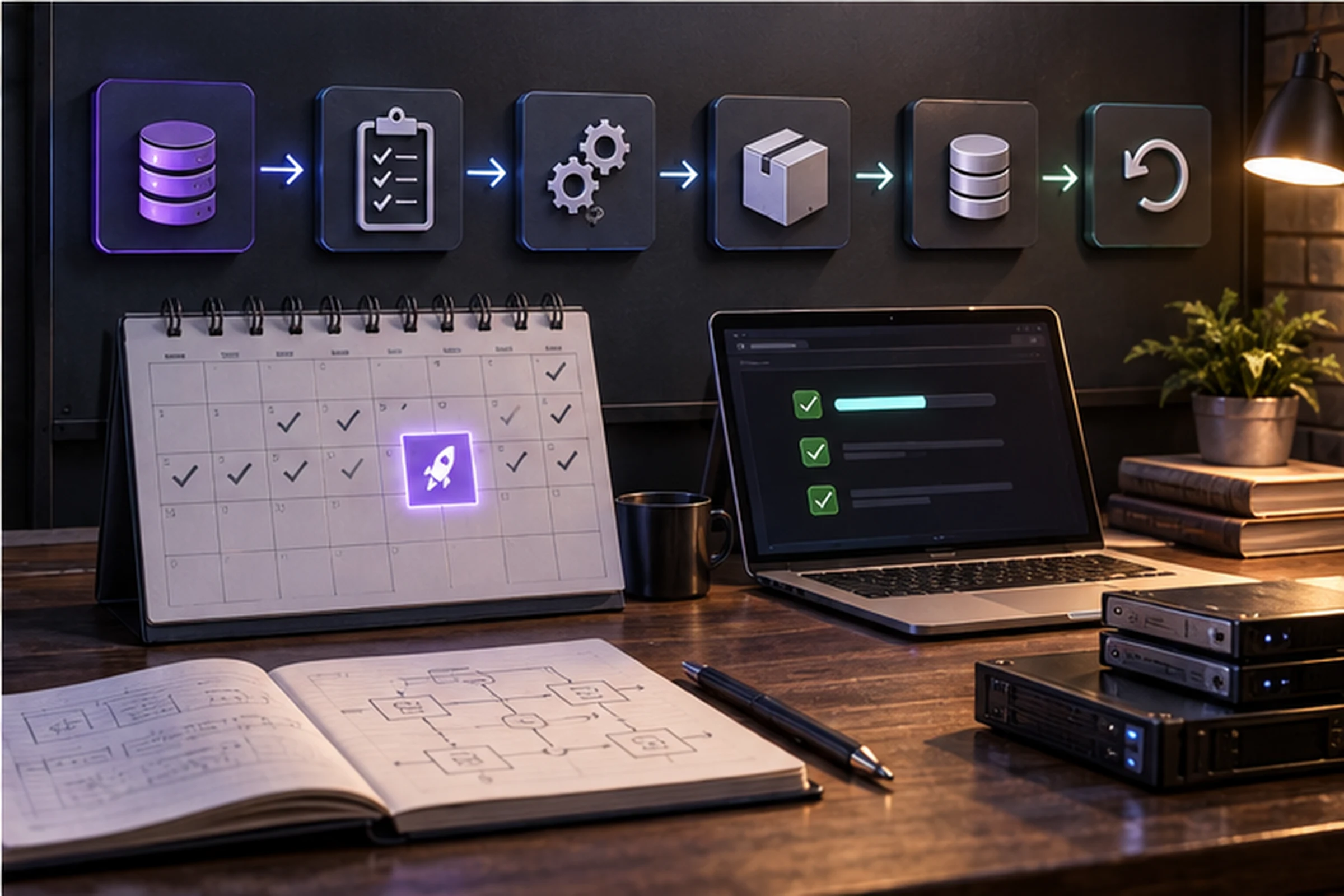
Backups and recovery
Files and databases change at different rates. A restore may lose commands received after the backup. Define recovery goals and a procedure for reconciling transactions.
Store backups off-site, encrypt them where appropriate, and restrict access. Periodically test a cleanroom restore.
SEO in WooCommerce
WordPress offers flexibility for content and metadata, but the store can generate archives, filters, pagination, and variations. Define categories, URLs, canonical tags, sitemaps, structured data, and internal linking. Avoid copied descriptions.
Review theme or plugin changes in public HTML. Connect the strategy with the service. SEO.
Data, privacy, and analytics
Minimize data, configure retention and permissions, and evaluate plugins that access clients. Implement consent in accordance with regulations. Do not send unnecessary personal information to analytics or advertising.
Validate events with actual, tracked orders and reconcile values, currency, discounts, and returns. An active tag does not guarantee accuracy.
ERP, CRM and marketplaces
Defines the master system for product, price, inventory, customer, and order. Specifies address, frequency, identifiers, and errors. An unauthorized bidirectional synchronization can overwrite valid data.
Use queues, retries, and idempotence. Alerts about rejected records and maintains traceability without exposing sensitive data.
Development, staging and production
Separate the public site from the environment where changes are tested. Staging must be protected by authentication and should not process payments or real messages. Syncing production to testing requires anonymizing or limiting customer data.
It stores reproducible code and configuration. A manual copy of the site does not replace version control. It defines which changes are made from the control panel and how they are transferred without overwriting received orders.
Scheduled tasks, queues, and webhooks
Orders, emails, synchronizations, and renewals may depend on scheduled tasks. Monitor for delays and failures. In stores with low traffic, triggering tasks based solely on visits may be unreliable; evaluate the server's cron job according to the documentation.
Webhooks must be authenticated, log retries, and process idempotently. A 200 response does not guarantee that the final system saved the change. Implement error queuing and reconciliation.
Monitoring and observability
Monitor availability, PHP errors, checkout response, payments, tasks, database, disk, and certificates. Alerts should include a threshold, owner, and response guide. An available homepage does not guarantee that purchasing works.
Use controlled synthetic transactions when appropriate and avoid generating uncleaned fake orders. Link incidents to deployments and maintain metrics before and after.
Scalability and peak demand
Test load with realistic models and in authorized environments. Catalog, search, promotions, cart, and administration consume different resources. Caching helps public pages, but the transaction remains dynamic.
Plan campaigns and seasons with hosting, gateway, logistics, and support. Scaling infrastructure without reviewing inefficient queries or extensions can multiply costs without addressing the root cause.
Ownership, Export and Exit Plan
Manage domain, hosting, repository, licenses, and vendor accounts. Document how to export products, customers, and orders with appropriate permissions. Some features reside in plugins and require modification during migration.
An exit plan includes URL mapping, redirects, order reconciliation, legal preservation, and access revocation. Code portability doesn't mean every integration will move effortlessly.
Perform a pilot export and verify counts, relationships, variants, and characters. Maintaining readable files and a field dictionary reduces dependency. Do not delete the old environment until you have verified orders, payments, analytics, and customer service at the destination.
Who benefits from this
This can be a good option when the business already uses WordPress, needs control over hosting and code, has access to technical support, and requires customization. It's also suitable when portability and a broad ecosystem are valued.
It may be less suitable if there is no maintenance capacity, a single platform manager is needed, or the operation requires a highly standardized launch. Evaluate requirements, not technological ideology.
WooCommerce vs. Shopify
WooCommerce prioritizes modular control; Shopify focuses on infrastructure and hosted services. Both can operate serious online stores. The comparison should use equivalent catalogs, countries, payment methods, integrations, support, and total cost.
Consultation Shopify versus WooCommerce for a detailed matrix.
Launch Checklist
- Domain, HTTPS, and email.
- Catalog and inventory.
- Payments and reconciliation.
- Taxes and shipping.
- Policies and privacy.
- Performance and accessibility.
- Analytics and consent.
- Backups and reverse.
- Proof of purchase and return.
- Training and monitoring.
Common mistakes
- Assuming that free means without cost.
- Install plugins without government oversight.
- Update directly in production.
- Do not attempt restoration.
- Mix inventory sources.
- Caching checkout or account.
- Grant broad administrative permits.
- Publish without reconciliation.
Decision checklist
Confirm requirements, technical capabilities, suppliers, three-year cost, payments, logistics, integrations, performance, security, portability, and exit strategy. Build a test with the most complex use cases.
To define scope or migration you can contact SEOMOS. The best platform is the one that the business can operate with acceptable quality and risk.
Sources consulted
Documentation consulted on September 10, 2026.
- WooCommerce: Getting Started.
- WooCommerce: server recommendations.
- WooCommerce: Development Documentation.
Frequently Asked Questions about WooCommerce
What is WooCommerce?
It is an open-source extension that adds e-commerce features to WordPress.
Is WooCommerce free?
The base plugin may be free, but hosting, payments, extensions, implementation, and operation all have costs.
Does it include hosting?
No. You must contract and manage a compatible environment directly or through a provider.
Do I need development?
A basic store can be set up, but integrations, customization, and secure operation require technical skills.
Is it useful for SEO?
It offers flexibility, but the results depend on architecture, content, performance, authority, and maintenance.
WooCommerce or Shopify?
WooCommerce offers modular control; Shopify focuses on hosted service. Decide based on requirements and total cost.