

WPO means Web Performance Optimization: the ongoing work of measuring and improving the speed, responsiveness, and visual stability of a site. It's not about chasing a perfect score. It combines real user data with controlled testing to find bottlenecks, fix them, and verify that the experience improves on relevant pages, devices, and journeys.
A webpage might load quickly on a team's laptop but be slow for someone with an average phone, a congested network, and an empty cache. It might also display content quickly but freeze when someone tries to open the menu or add a product. WPO addresses these differences from both a perceptual and an architectural perspective.
This guide explains what WPO is, how to interpret Core Web Vitals, when to use field or lab data, and how to prioritize actions on the server, images, CSS, JavaScript, fonts, and third parties. Exact implementation depends on the CMS, infrastructure, and actual site behavior.
What is WPO and what problems does it solve?
WPO is a discipline of user experience engineering. Its goal is to reduce waiting times and unnecessary movement that interferes with real-world tasks: reading, comparing, searching, booking, filling out a form, or buying.
This includes server and network performance, HTML generation, resource discovery, download priorities, main thread execution, rendering, caching, and component behavior. It's not limited to the total page weight: a small resource discovered too late can delay the main content, and a large file loaded after interaction might not affect the initial view.
Optimization also needs limits. Removing a useful feature to improve a metric can worsen the product. Compressing an image to the point of losing detail can reduce file size and erode trust. The goal is a sufficiently fast and stable experience that is maintainable and aligned with the page's intent.
Core Web Vitals: LCP, INP and CLS
Core Web Vitals are real-world user experience metrics focused on load, responsiveness, and stability. Google recommends evaluating the 75th percentile of visits, broken down by mobile and desktop. In practical terms, a page should perform well for most users, not just on its best performance.
| Metrics | What do you observe? | Well | Needs improvement |
|---|---|---|---|
| LCP | When the largest block of visible text, image, or video is rendered. | ≤ 2.5 s | > 2.5 and ≤ 4 s |
| INP | Interaction latency during the visit. | ≤ 200 ms | > 200 and ≤ 500 ms |
| CLS | Magnitude of unexpected visual movements. | ≤ 0.1 | > 0.1 and ≤ 0.25 |
LCP approximates the moment when the main content appears. INP Observe the ability to respond to clicks, taps, and keystrokes throughout the visit. CLS It penalizes unexpected design changes, such as a button that moves when a banner appears.
Thresholds are experience targets, not ranking promises. Google clarifies that achieving good results doesn't guarantee appearing first and that page experience encompasses more than just Core Web Vitals. Relevant content remains essential.
Field and laboratory data: why they can contradict each other
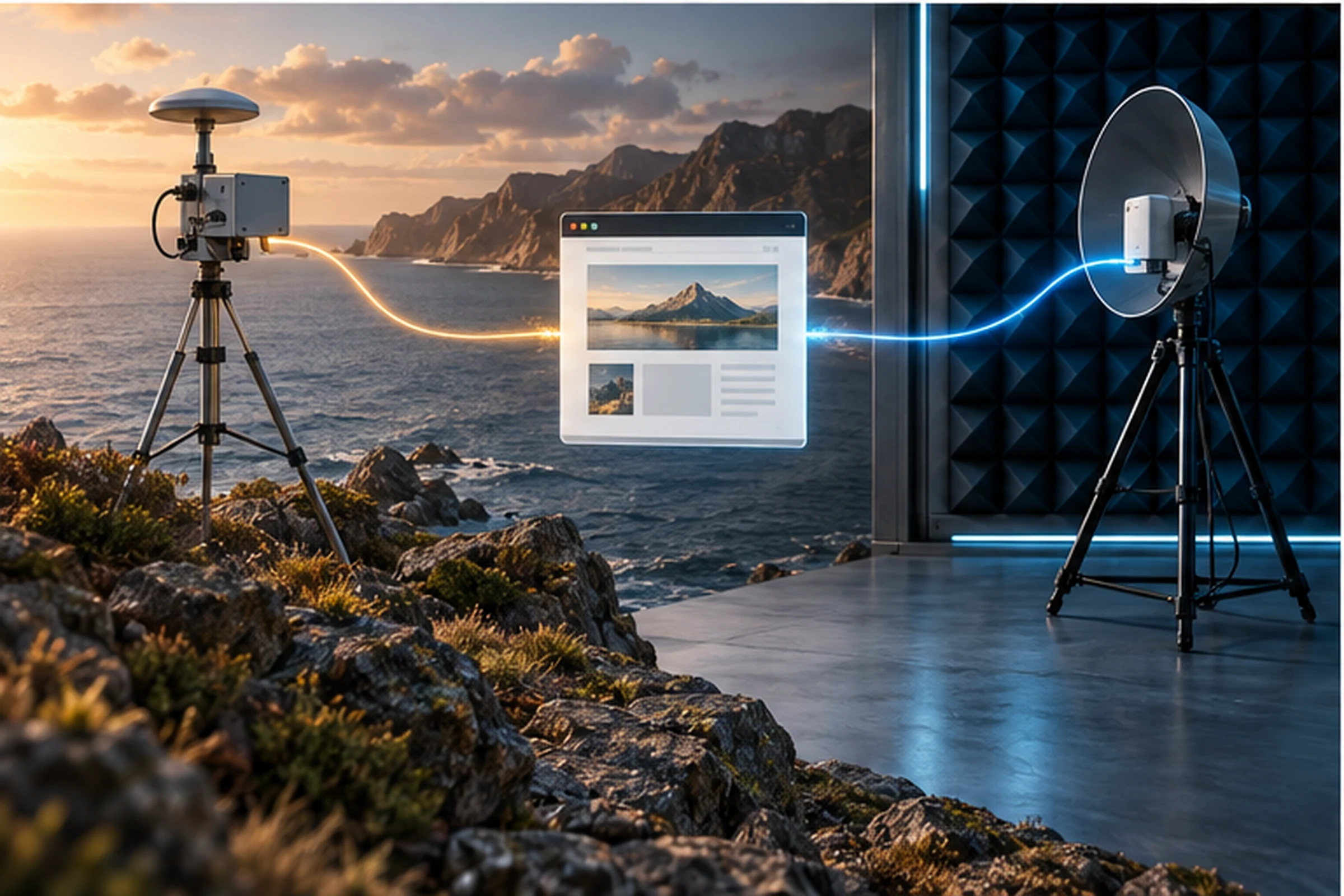
The field data These data come from real visits. CrUX, the Chrome User Experience Report, aggregates eligible Chrome user experiences during a mobile window. A custom RUM implementation can add context: template, responsible element, navigation, version, and path.
The laboratory data They are obtained under controlled conditions. Lighthouse, DevTools, and WebPageTest help to repeat a load, record a waterfall, and examine tasks. They are diagnostic tools, not a reproduction of the entire audience.
PageSpeed Insights showing a good lab and a poor field is not an automatic error. It could indicate that the test is using a different location, network, or device; that real users are receiving customization or third-party data; or that the template has changed and the field still includes data from previous days.
The most robust workflow begins in the field to identify which population and pages have the problem. Then it replicates the pattern in the lab, tests a hypothesis, and observes both the immediate trace and the evolution of the field results.
How to measure WPO without falling into a score
- Select routes. Homepage, category, product, article, form and checkout can have different architectures.
- Segment field. Check URL and origin, mobile and desktop, country or market, version and template when the data allows.
- Record a baseline. Save date, percentiles, traffic, deployment, plugins, and cache settings.
- Play. Use consistent CPU and network profiles, cold and hot caching, and more than one execution.
- Identify the element. Don't optimize "LCP" in an abstract way: find the resource, interaction, or node that moves.
- State a cause. Example: The main image is discovered using JavaScript after downloading a package.
- Change a controlled layer. Publish in a comparable environment and monitor for functional errors.
- Valid. Check the trace, the real experience, and a business or task metric.
The median can mask a significant minority. Core Web Vitals uses the 75th percentile precisely to represent the experience of a more demanding segment of visitors. An e-commerce site should also monitor abandonment, interaction errors, and checkout initiation.
How to diagnose and improve LCP
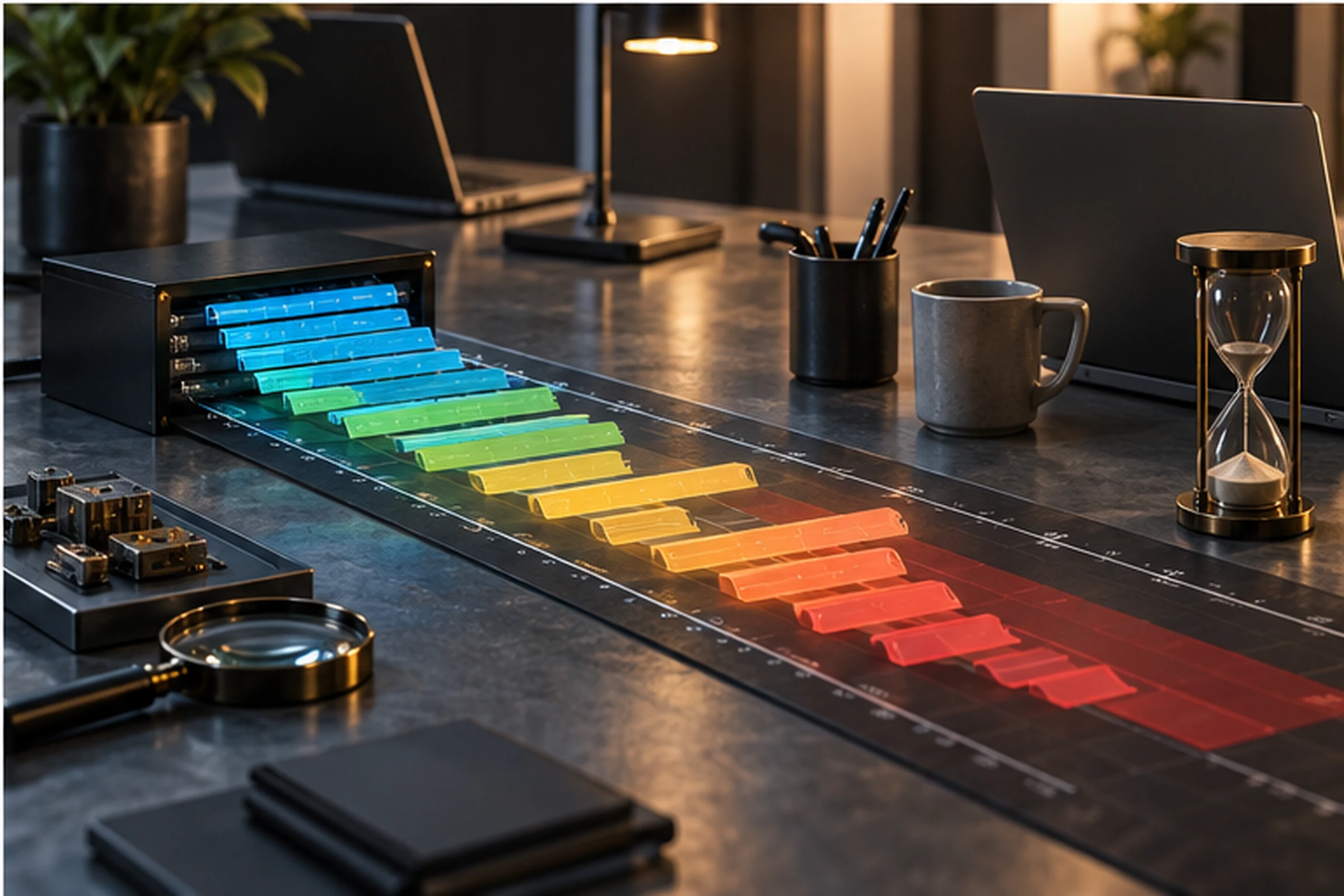
web.dev divides LCP into four subparts: TTFB, Delay before loading the resource, duration of its download, and delay before rendering the element. The sum explains where the time is consumed.
high TTFB. It checks redirects, distance, page caching, queries, server workload, and capacity. A CDN won't fix a response that can never be stored or a slow application at the source.
Late discovery. The main image or font should be present in the initial HTML. If JavaScript inserts the resource or a background image relies on late CSS, the browser starts too late.
Insufficient priority. Do not apply loading="lazy"" to the LCP image. In appropriate cases, fetchpriority="high"" It helps, but marking many images as priorities eliminates its usefulness.
Long download. It delivers adequate dimensions with srcset, Sufficient compression and compatible modern formats. Prevents non-critical resources from competing for bandwidth at startup.
Late render. Blocking CSS, fonts, JavaScript bundles, and lengthy tasks can prevent a downloaded resource from being rendered. The fix should reduce the wait time, not just the bytes.

How to improve INP and response to interactions
INP monitors interactions throughout the visit, so a fast initial load isn't enough. A filter, menu, or selector might become slow minutes later.
An interaction contains input delay, handler execution, and presentation delay. To find the cause, record which element was triggered and analyze the task that occupied the main thread.
Reduce lengthy tasks. Divide the work, defer to the browser, and avoid running large calculations in a single block. Loading less JavaScript is helpful, but when it runs also matters.
It limits the DOM and the rendering work. Deep trees, expensive selectors, and massive updates enhance style and layout. Render only what's necessary and maintain accessibility.
Avoid third-party blocks. Chats, tests, tags, and personalization all compete for the same thread. Define responsibilities, load conditions, and performance budget.
Give early feedback. If an operation takes time, reflect its status without waiting for the complete result. Don't hide slowness with animations that block other interactions.
When there is no contextual RUM, it iterates through the main tasks in the lab, including interaction during loading, when the thread is usually busiest.
How to avoid unexpected changes and improve CLS
Common causes include images without dimensions, ads or iframes without reserved space, content inserted on top of what is visible, and fonts that change the text size.
Declares width y height or a media aspect ratio. Reserve space for banners and embeds. Insert notifications without displacing an action the person is about to tap.
Web fonts require a conscious strategy: subsets, selective preloading, alternatives with compatible metrics, and swapping rules. Preloading all variants can worsen LCP.
CLS doesn't treat all movements as problems. Animations with transformations and changes close to an interaction may be handled differently. The priority is to eliminate unexpected movements that cause a loss of context or lead to an incorrect click.
WPO actions by technical layer
Server and cache. Reduce dynamic workload, configure cache based on content, and control invalidation. Verify the canonical response without assuming a plugin is equivalent to active caching.
HTML. Deliver key content and critical references early. Avoid a chain of redirects and excessive markup.
CSS. Remove anything that's truly unused, carefully separate critical styles, and maintain accessibility. Incorrect minimal CSS can cause flickering or duplicate rules.
JavaScript. Reduce dependencies, divide by route, defer non-essential tasks, and measure execution. Minifying a huge package doesn't solve the main thread's workload.
Images. Use responsive variants, correct visual size, useful alt text, and deferred loading beyond the first view. The likely LCP cover is treated as a priority.
Sources. Limit families and weights, use appropriate formats, and evaluate the cost of external sources.
Third parties. Maintain an inventory of labels, their purpose, owner, and condition. Eliminate duplicates and measure the difference with and without them.
In WordPress, builders, plugins, and themes can add resources to all pages. Disabling them globally without mapping dependencies breaks functionality. In an improvement to web development, It is advisable to work by template and verify forms, navigation, ecommerce and analytics.
Hypothetical example of prioritization
Hypothetical example. A store exhibits poor field LCP on mobile. The audit shows acceptable TTFB, but the homepage is injected via a carousel after JavaScript execution. Additionally, the same script launches three hidden images.
The team replaces the first slide with a img present in the HTML, delivery srcset, It prevents lazy loading on that image and postpones unseen slides. The trace reduces discovery delay. Then it reviews field data by template when the window accumulates enough visits.
At checkout, INP remains high even though LCP improves. A third-party label and synchronous validation occupy the thread during the submission process. The second cycle loads the label after consent and fragments the validation, preserving error messages. The result is evaluated using INP, errors, and purchase completion rates.
WPO, SEO and conversion: a relationship without promises
Google uses Core Web Vitals within its systems and recommends a good experience, but warns that a perfect score does not guarantee top rankings. SEO audit You should review content, crawling, indexing, architecture, and experience as a whole.
In terms of conversion, a technical improvement can reduce abandonment or errors, but the effect depends on the starting point, traffic, and offer. Don't attribute all sales variations to website performance optimization (WPO) without controlling for campaigns, pricing, inventory, and seasonality.
Define a task metric for each change: form start, variant selection, search engine usage, booking progress, or purchase. This way, the improvement isn't limited to a technical dashboard.
Common mistakes when optimizing performance
Chase 100 in Lighthouse. The note summarizes one test, not the entire experience.
Confusing laboratory with field. A simulated execution does not invalidate real user weeks, nor vice versa.
Install multiple optimization layers. Overlapping plugins duplicate minification, caching, and delays, and make debugging more difficult.
Lazy-load throughout. Delaying the main image often harms LCP.
Preload everything. Priority ceases to discriminate and increases competition.
Remove features without QA. A fast site that doesn't send forms is not optimized.
Measure only the home screen. Transactional pages can use different components.
Declare victory on deployment day. The field needs volume and time; it records the date and waits for a comparable window.
WPO plan in four cycles
- Inventory and baseline: templates, routes, field, laboratory, third parties and errors.
- Critical problems: availability, server, LCP resource, long tasks, and interfering movements.
- Budgets: JavaScript limits, images, fonts, third parties, and template regressions.
- Monitoring: RUM or CrUX, deployment testing, alerts and those responsible for correcting.
Website performance optimization (WPO) matures when it's integrated into development and content, not when it appears as an annual cleanup. New labels, covers, and components should be implemented with clearly defined performance criteria.
Sources consulted
Document consultation: September 10, 2026. Web metrics evolve; review current definitions before setting contracts or alerts.
- Google Search Central: Core Web Vitals and Search.
- Google Search Central: Page Experience.
- web.dev: LCP diagnosis and optimization.
- web.dev: INP diagnosis and optimization.
- web.dev: causes and optimization of CLS.
Frequently Asked Questions about WPO
What does WPO mean?
It stands for Web Performance Optimization. It's the continuous measurement and improvement of a website's loading speed, responsiveness, and stability for real users.
What are the current Core Web Vitals?
LCP measures the appearance of the main content, INP the response to interactions, and CLS visual stability. Good targets are LCP up to 2.5 seconds, INP up to 200 milliseconds, and CLS up to 0.1 at the 75th percentile.
Does a PageSpeed score of 100 guarantee good SEO?
No. A lab score doesn't guarantee ranking or represent the whole experience. Google recommends good Core Web Vitals, but relevance, content, and other aspects also matter.
Why does PageSpeed change between tests?
Network, server, CPU, cache, third parties, and content variation affect each run. Compare multiple tests under equivalent conditions and use fields to represent users.
Does a CDN solve all speed problems?
No. It can reduce distance and serve cacheable resources, but it doesn't fix heavy JavaScript, late discovery, unstable layout, or slow work that can't be stored.
How to request a WPO review?
Share URLs, CMS, markets, recent changes, and critical journeys. You can contact SEOMOS to review field, laboratory and architecture before proposing actions.